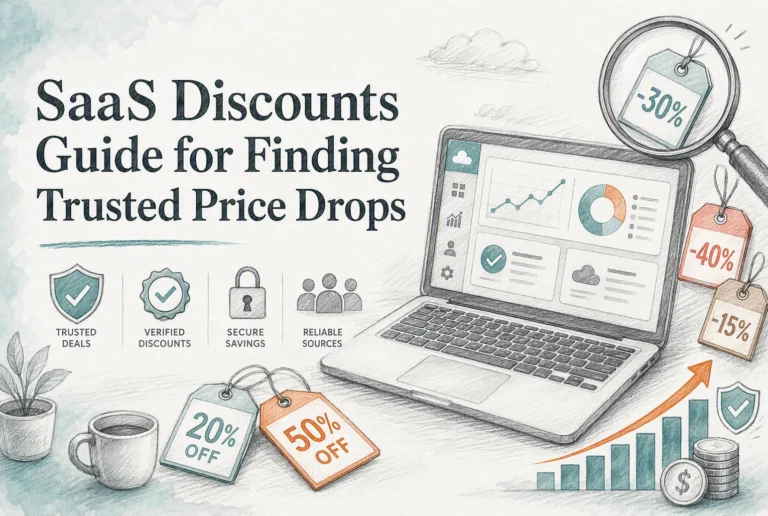
Quick Summary: Google Workspace saves money for browser-based teams with shifting seats, while Microsoft 365 pays off when desktop Office apps replace extra software-its 1 TB per-user storage alone can offset lower-priced plans for file-heavy teams. Annual billing cuts costs only if all seats stay active, saving a five-person team $168 yearly. Business software becomes cheaper once manual tasks like sales tracking or client follow-ups eat up more time than the software itself costs.
For five marketers, two $7-per-user plans can cost very differently. Google Workspace suits browser-first office productivity and changing seats. Microsoft 365 pays off when desktop apps replace extra software. This office productivity comparison weighs price, billing, storage, add-ons, and admin work. It shows which office productivity setup cuts total cost for each small-team workflow.
Business Software vs Office Tools: Cost Comparison
| Google Workspace | Microsoft 365 | |
|---|---|---|
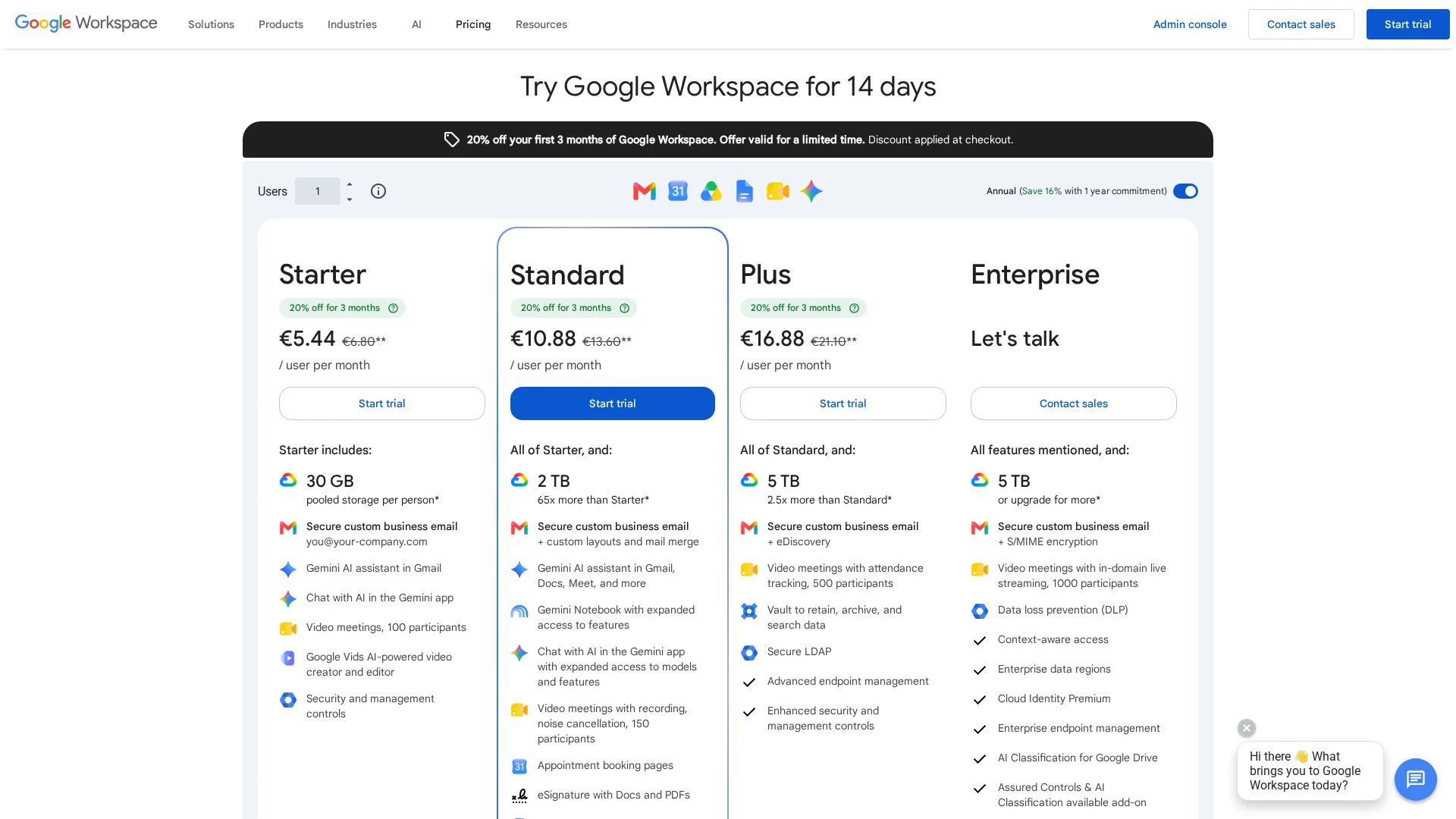
| Starting annual-plan price | $7 per user/month for Business Starter | $7 per user/month for Business Basic |
| Flexible monthly price | $8.40 per user/month for Business Starter | $8.40 per user/month for Business Basic |
| Core productivity model | Cloud-native collaboration and browser-based apps | Integrated Microsoft apps with web, mobile, and desktop tiers |
| Storage included | 30 GB pooled storage per user on Starter | 1 TB per user on Business Basic |
| Best cost-saving scenario | Distributed teams with changing seats and browser-first workflows | Teams needing desktop Office apps and Microsoft workflows |
How Google Workspace and Microsoft 365 Compare
Google Workspace
Google Workspace suits distributed teams that work mainly in a browser. Its shared files and live editing model can reduce friction as seats change.
Microsoft 365
Microsoft 365 fits teams tied to Office files, Teams, and desktop work. It offers web, mobile, and desktop options across plans.
Where the Subscription Price Actually Saves Money
Annual Plans Versus Flexible Billing
Annual billing saves money only when every seat will stay active. Microsoft 365 Business Standard costs $14 per user/month annually versus $16.80 monthly, according to Microsoft pricing.
Choose monthly billing for contractors, short projects, or uncertain hiring. A discount is not savings if licenses sit unused.
A Five-Person Team Cost Check
| Plan | Monthly team cost | Annual team cost |
|---|---|---|
| Monthly billing | $84 | $1,008 |
| Annual commitment | $70 | $840 |
A stable five-person team saves $168 yearly. Check seats each quarter, then remove unused licenses.
Also Read: Small Business SaaS vs Business Software: Which Saves More?
The Included Tools That Change Total Cost of Ownership
When Included Storage Is More Valuable Than a Lower Price
A low-cost office plan can cost more if you also buy file storage. Microsoft 365 Business plans include 1 TB of cloud storage per user, according to Microsoft’s plan details. That matters for teams sharing client videos, design files, and reports.

| Check | Why it affects cost |
|---|---|
| Shared file size | Large files raise storage needs |
| User count | Storage adds up per seat |
Add the price of every missing tool before calling a plan cheaper.
Desktop Apps Can Replace Another Subscription
Installed Word, Excel, PowerPoint, and Outlook can remove the need for separate document tools. Microsoft 365 Apps for business includes desktop apps and 1 TB storage per user.
- List apps your team pays for.
- Mark tools the suite already covers.
- Keep only tools with a clear gap.
- Offline work may justify desktop access.
- Browser-only teams may not need it.
Which Option Costs Less for Your Team’s Workflow?
Office tools cost less if your team mainly writes, shares files, books meetings, and tracks simple tasks. They avoid extra training and keep work in one familiar place.
Business software costs less once manual handoffs become routine. Choose it for lead tracking, client support, stock, or repeat marketing tasks. The SBA warns that duplicate tools and manual workarounds quietly raise costs, while connected systems can reduce repeat data entry. Its software checklist also stresses that complexity can add setup and overtime costs.
| Your workflow | Lower-cost choice |
|---|---|
| Shared docs and basic planning | Office tools |
| Repeated sales or support steps | Business software |

Add software only after one task wastes time every week.
Also Read: https://saasguru.info/appsumo-sumo-day/
Which Should You Choose: Business Software or Office Tools?
Choose office tools for a small team that mainly writes, shares files, and tracks simple tasks. Choose business software once manual handoffs, missed follow-ups, or reporting gaps cost real time.
| Your situation | Better choice |
|---|---|
| Basic documents and shared calendars | Office tools |
| Repeat sales, client, or order workflows | Business software |
Include security and access needs in the total cost. NIST guidance recommends a risk-based approach for small businesses.
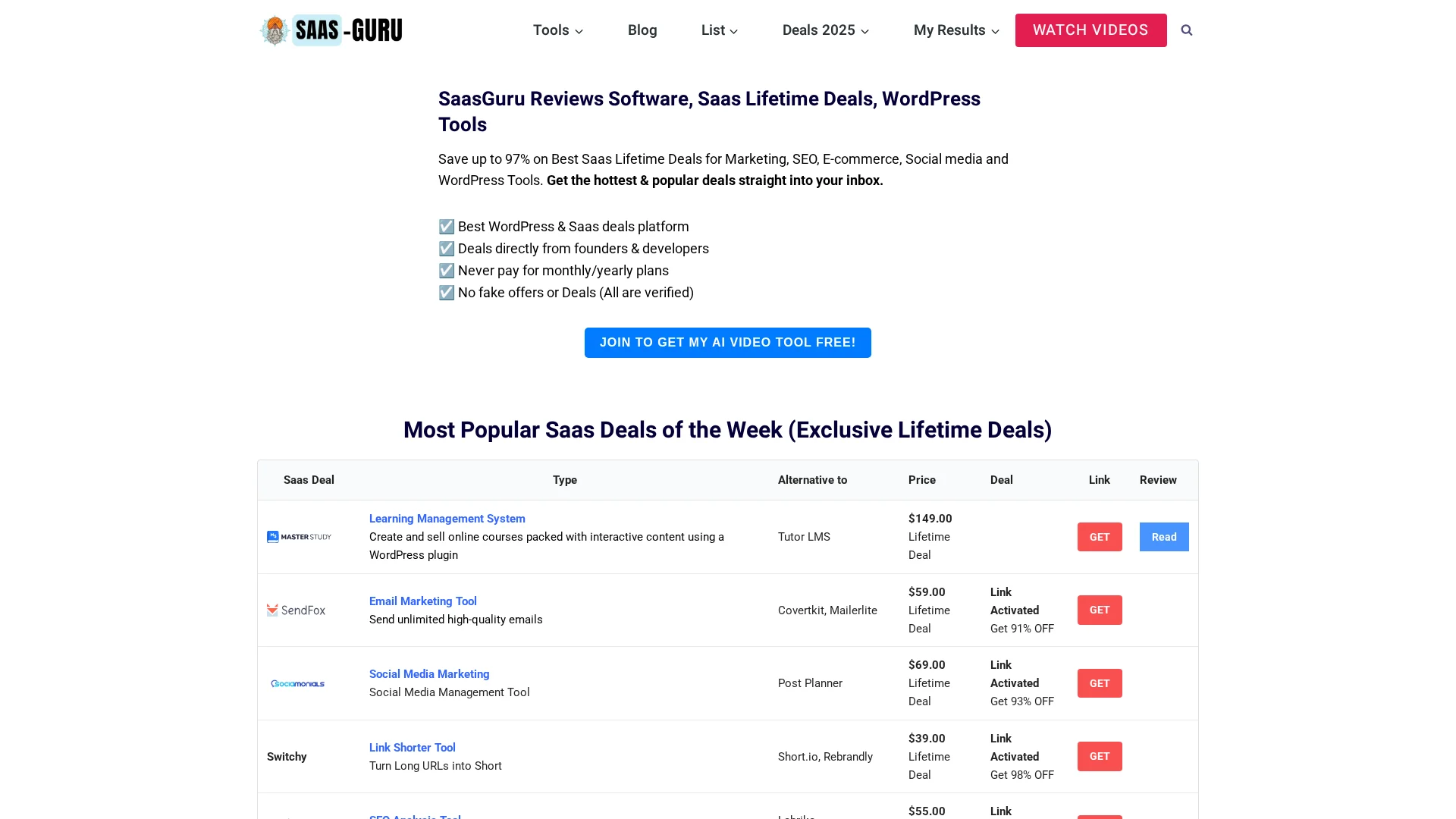
Cut recurring software costs without losing key features. Explore verified lifetime deals and WordPress tools at SaasGuru.
Frequently Asked Questions
Q1: Compare business software for small teams?
Business software saves more when it replaces manual handoffs, tracks sales, or automates repeat work. Office tools cost less for simple writing, sheets, and shared files.
Q2: When should a team pay for business software?
Pay when missed tasks, duplicate data, or slow follow-ups cost more than the monthly fee.
Q3: Are lifetime deals cheaper than subscriptions?
They can be, if the tool fits your workflow and offers reliable updates. Check limits, support, and export options first.
Conclusion
Office tools cost less for simple work. Business software wins when shared workflows cut repeat tasks, errors, and admin time. NIST notes cloud services can improve agility, but check security and recurring fees.