Quick Summary: Checkout tools are cheaper and faster to set up for simple sales, ideal for creators and small businesses. Full e-commerce platforms offer more features like catalogs, customer accounts, and content, which become more cost-effective at scale. The decision depends on your store’s complexity and growth plans, with hidden costs often coming from add-ons and manual work.
If saving money is the goal, checkout tools often beat full platforms for simple sales. Full e-commerce software wins once branding, inventory, and built-in growth features replace extra apps. I’ve seen marketers and creators waste money on both sides. This comparison cuts through that. It shows where checkout tools stay lean, where checkout tools start to break, and what actually costs less now.
E-commerce Software vs Checkout Tools: Cost and Scope at a Glance
| E-commerce software | Checkout tools | |
|---|---|---|
| Upfront setup | Higher | Lower |
| Monthly cost efficiency | Better at scale | Best for simple sales |
| Feature scope | Broad | Narrow |
| Best for | Stores needing a full sales stack | Creators and lean sellers |
| Maintenance burden | Moderate to low | Low |
How E-commerce software and Checkout tools Compare
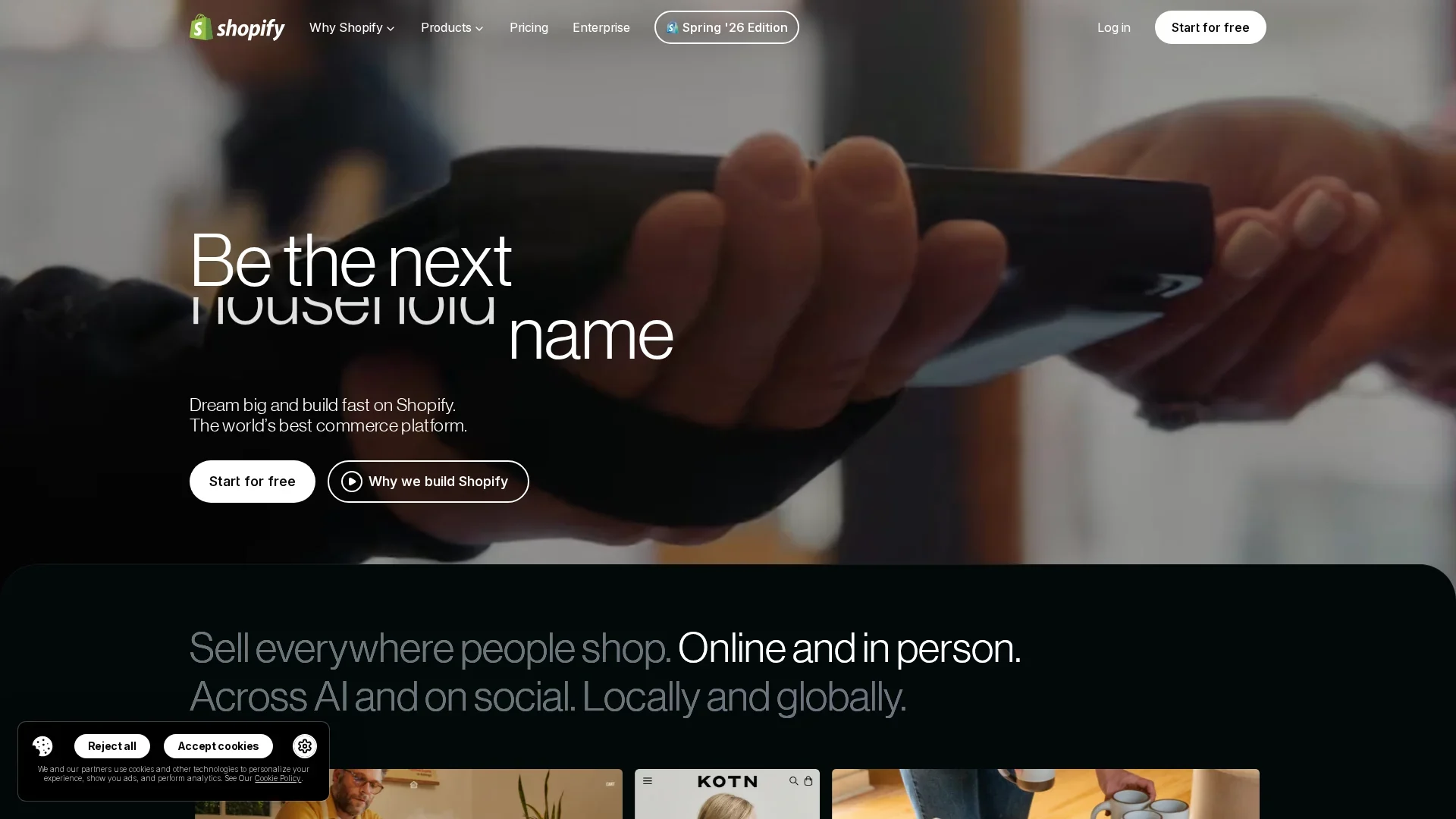
E-commerce software
E-commerce software is a full store system for brands that need products, pages, carts, orders, and marketing in one place. It fits growing shops that want a broad sales stack, even if setup takes more time and money at the start.
Key strengths
- Broad feature scope
- Better cost efficiency at scale
- Moderate to low ongoing maintenance
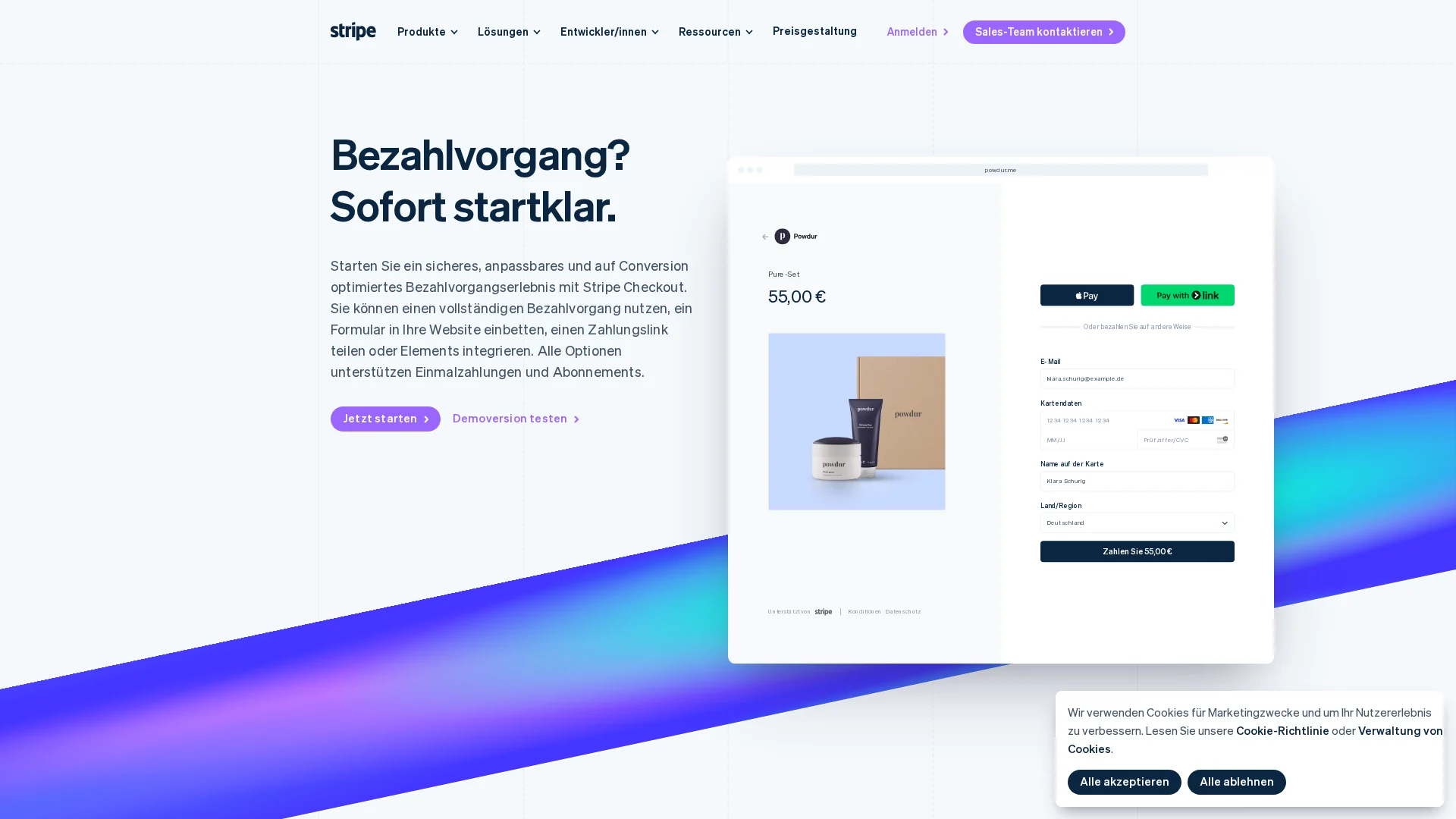
Checkout tools
Checkout tools focus on taking payment fast without the weight of a full storefront. They fit creators, service sellers, and lean businesses that want lower setup costs, simple selling flows, and less upkeep.
Key strengths
- Lower upfront setup
- Best monthly fit for simple sales
- Low maintenance burden
Where the Real Savings Come From
Real savings usually come from fewer moving parts, not the lowest monthly fee. Salesforce’s ecommerce TCO guide notes that total cost includes software, hosting, security, maintenance, and payment processing.
Sticker Price vs Total Cost of Ownership
A cheap plan can still cost more later. Add-ons, dev work, app fees, and extra transaction charges change the math fast. A 0.5% platform surcharge on third-party payments can become a real annual cost at scale, as shown in this 2026 Shopify Payments vs Stripe breakdown.
Check the full stack cost, not just the homepage price.
When Simplicity Cuts Costs Faster
Checkout tools win when you need to sell fast with a small team. You save on setup, training, and ongoing fixes. Fewer apps also means fewer break points.
When the Broader Platform Becomes the Cheaper Choice
Full e-commerce software wins when you need catalog depth, built-in content, and steady scale. One platform can replace several paid tools and reduce patchwork costs over time.
Also Read: Top 8 E-commerce Software Picks for Online Sellers
Feature Depth: What You Give Up and What You Keep
Checkout tools keep the fast path to payment. You give up deeper store control.
- Storefront and Catalog Control: You can sell a few products, bundles, or services fast. But you lose richer category logic, layered filters, advanced search, and stronger product data rules. Full e-commerce software fits better if your catalog changes often or needs variants, upsells, and merch rules.

- Payments, Localization, and Compliance: Checkout tools usually keep the core stuff: cards, wallets, coupons, tax basics, and simple order flows. Full platforms go further with market-specific payment methods, currencies, language layers, and cross-border setup. Trade.gov notes that payment preferences vary by country. The FTC guide also stresses clear terms, costs, and secure payments.
If you plan to sell in more than one country, missing localization can cost more than the software bill.
- Integrations and Future Flexibility: Checkout tools work best when your stack is light. You may keep email, analytics, and basic automations. You often give up deeper ERP, warehouse, subscription, or B2B workflows later.
Also Read: https://saasguru.info/appsumo-deals
Which Should You Choose for the Lowest-Cost Setup?
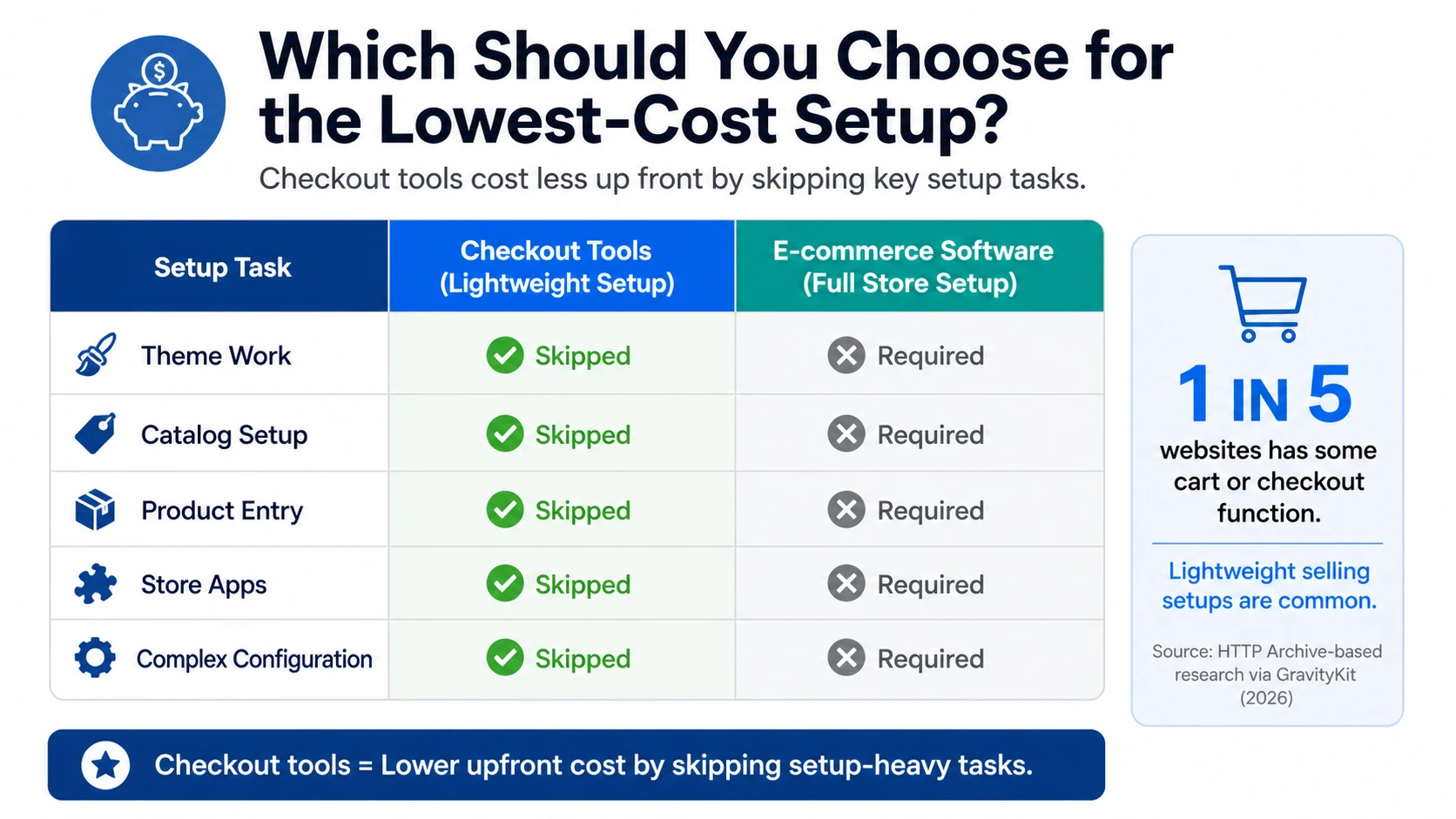
Pick checkout tools if you sell one product, a few digital files, coaching, or event access. They usually cost less up front because you skip theme work, catalog setup, and store apps. Roughly one in five sites has some cart or checkout function, which shows how common lightweight selling setups are according to HTTP Archive-based research.
Choose e-commerce software if your store needs filters, collections, customer accounts, upsells, and content at scale. Hosted platforms keep growing while many self-hosted options shrink, a sign that businesses often pay more for simplicity later if they start too small based on 2026 platform trend data.
Rule of thumb: if your offer fits on a single sales page, start with checkout tools. If your catalog, team, or marketing stack will grow fast, buy the fuller platform first.
Cut software costs before you commit. Check SaasGuru for verified lifetime deals on commerce, marketing, and WordPress tools.
Frequently Asked Questions
Q1: Compare e-commerce software for saving money?
Checkout tools usually cost less at low volume. Full e-commerce software often wins later if you need inventory, shipping, discounts, and customer accounts in one stack.
Q2: When should I switch from a checkout tool?
Switch when add-ons pile up. If you pay for carts, taxes, upsells, email, and product delivery separately, one platform may cut total spend and save setup time.
Q3: Can a checkout tool handle digital products well?
Yes, often very well. They fit creators selling courses, downloads, or simple offers. Problems start when you need deep catalog rules, multi-channel selling, or complex stock control.
Q4: What is the biggest hidden cost to watch?
Extra apps and manual work. A cheap tool gets expensive if your team spends hours fixing taxes, refunds, reporting, or order flows between disconnected systems.
Conclusion
Checkout tools win on speed and lower compliance load, while full platforms win when app sprawl and fee stacking grow. PCI guidance and Stripe pricing make that tradeoff clear.