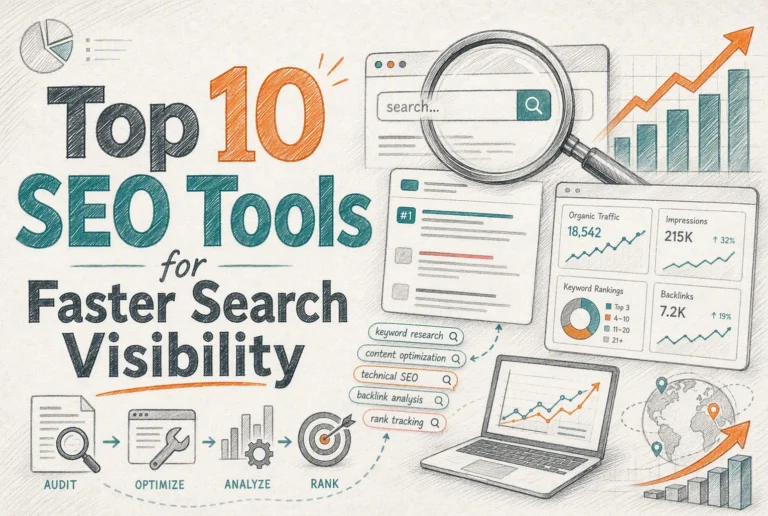
Quick Summary: Small teams should focus on a lean SEO tool stack centered on Google Search Console, a crawler, and a keyword tool, avoiding costly suites. Prioritize fixing technical issues that impact search visibility, like broken links and slow pages, based on impact. Buy tools based on specific needs and growth stage, not features, to stay cost-effective and efficient.
Most small teams waste money on bloated SEO software. If you run a local service site, a content brand, or a small ecommerce store, the quickest win usually comes from Google Search Console, one crawler for technical SEO, and one keyword tool, not a huge suite. This guide solves that choice problem. It shows how to build a lean stack by job, budget, and site type, with clear advice on technical SEO, technical SEO checks, and technical SEO priorities.
1. Choose the right SEO tool category for the job
Start with first-party data. Google says Search Console shows your site’s search traffic, queries, clicks, impressions, and issues, so it should anchor your stack before you buy anything else Google Search Console. Bing Webmaster Tools adds site scans, keyword research, and backlink data for Microsoft search Bing Webmaster Tools.

Keep tool jobs separate. One tool rarely does everything well for a small team. Use:
- Audit tools to find crawl, speed, and index issues
- Research tools to spot keyword demand and topic gaps
- Tracking tools to watch rankings and page changes
- Content tools to brief, draft, and refresh pages
Buying one big suite too early often means paying for features you will not use.
- Pick the job.
- Match the tool.
- Upgrade only when the workflow breaks.
2. Build a lean stack for small teams and local sites
The minimum viable stack starts with four basics: Search Console, Analytics, a crawler, and a simple content brief system. Google says Search Console shows queries, clicks, indexing, and issues, so it should anchor your stack.
- Track traffic
- Find indexing problems
- Review page basics
- Publish with a repeatable checklist

Add a paid keyword or rank tool when free data stops answering real questions. That usually happens when you need competitor gaps, local rank views, or faster reporting across many pages. Small teams should buy one focused tool, not a giant suite.
Pay for speed or depth, not for unused features.
Local businesses should prioritize reviews, profile accuracy, and service pages before fancy rank tracking. Google says a free Business Profile helps you appear on Search and Maps, manage reviews, and show hours, services, and photos.
Also Read: SEO Tools Review: Ahrefs for Rank Tracking and Audits
3. Use technical SEO tools to find problems you can actually fix
A crawler shows what is broken, blocked, thin, or hard to reach. On a small site, that usually means bad redirects, orphan pages, missing titles, slow pages, and links to dead URLs. Google says 4xx pages are not indexed and crawl frequency drops over time, so not every 404 needs panic or a homepage redirect (Google’s crawler docs).
Prioritize fixes by impact first, then effort. Start with pages that drive leads, local traffic, or sales. Use this order:
- Indexing blocks
- Broken internal links
- Wrong redirects
- Key page speed issues
If a deleted page has no replacement, Google says a real 404 or 410 is fine. A fake page or homepage redirect can create a soft 404 instead (Search Console help).
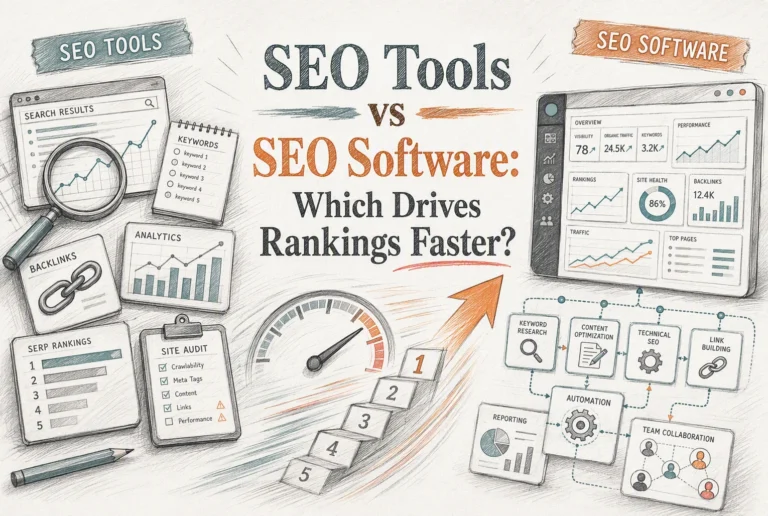
Also Read: SEO Tools vs SEO Software: Which Drives Rankings Faster?
4. Match tools to your growth stage and avoid common buying mistakes
Common mistakes small teams make
Small teams often buy a big all-in-one suite too early. That drains budget and leaves half the features unused. Google says many users only need a quick site check each month with Search Console. Another mistake is paying for crawl tools on small sites, even though Google says sites under about 500 pages often do not need the full Page Indexing report.
A simple decision rule
Start with the job, not the brand. Pick one tool for tracking, one for technical checks, and one for local visibility. Upgrade only when manual work gets slow, reports break, or key pages outgrow what Google Search Console can show.
Buy for your current bottleneck, not your hoped-for future team.
Build a lean SEO stack without bloated costs. Check SaasGuru for verified lifetime deals on SEO, marketing, and WordPress tools your small team can actually afford.
Frequently Asked Questions
Q1: Top SEO tools for agencies and freelancers?
Pick by job, not brand. Use one tool for rank tracking, one for site audits, one for keyword research, and Google Search Console for truth-checking.
Q2: What should a small team buy first?
Start with free basics and one paid tool. Buy for your biggest bottleneck first, usually audits, local rank tracking, or keyword gaps.
Q3: Do local businesses need an all-in-one SEO suite?
No. Most local sites win with a lean stack. Cover listings, reviews, technical fixes, content ideas, and search performance before paying for extras.
Conclusion
Small teams win with a simple stack matched to real jobs, budget, and site type. Google still says foundational SEO matters, and its 2026 guidance says AI search still rewards helpful, unique content.