Quick Summary: Ahrefs combines rank tracking and site audits to quickly identify why search rankings drop, focusing on content issues and technical problems. It’s best for small teams needing both monitoring and fixing tools, with plans that scale as SEO efforts grow. Beginners can use it for high-impact issues, but larger or more budget-conscious users might consider lighter options.
Your homepage slipping from position 3 to 8 usually means one of two things: content decay or a technical issue. Ahrefs pairs rank tracking with site audits to help you spot which one is hurting search visibility fast. This review focuses on that exact job, not every Ahrefs feature. I’ve worked with SEO tools across small business sites, content brands, and service pages, so this looks at what actually helps you protect and grow search visibility and fix drops before they spread across search visibility.
Rank Tracking That Shows the Story Behind the Movement
Ahrefs rank tracking is useful because it gives context, not just a raw position number. That matters because Google says rankings use many signals, and Search Console also warns that average position reflects the topmost result and can shift by property or page grouping, so trend lines beat single-day checks Google’s ranking systems guide Search Console data notes.
For real visibility shifts, Ahrefs helps you spot:
- Steady gains across a keyword set
- Sharp drops tied to one page, device, or location
- SERP feature changes that hide true progress
For competitor tracking, it is strong when you need quick pattern checks:
- Track the same keywords for your site and rivals.
- Compare share of movement, not one ranking.
- Watch who wins after content updates.
A competitor jump is only useful if it holds for days, not hours.
Site Audit as an Early Warning System
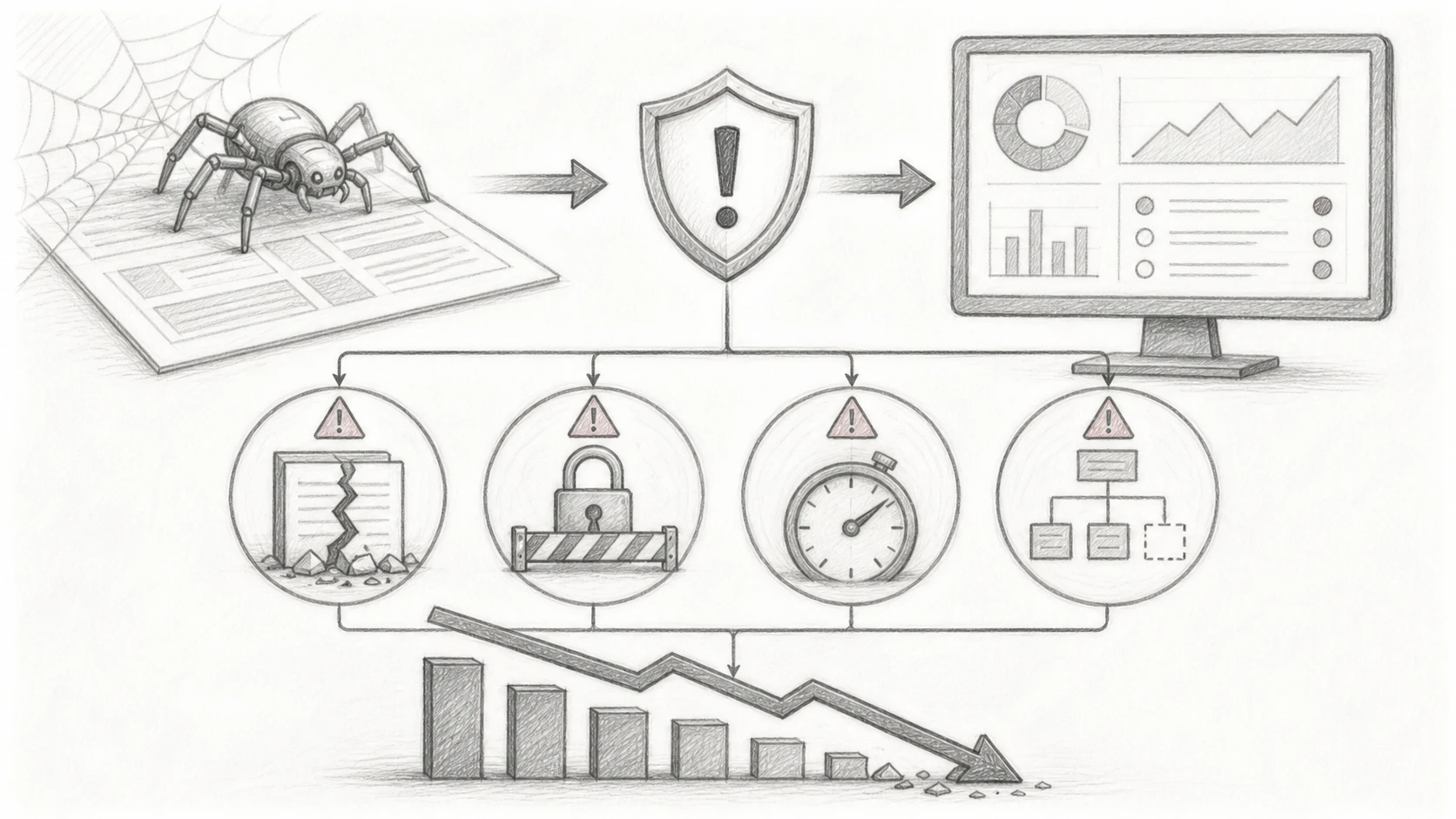
Ahrefs Site Audit helps you catch problems before rankings slide. The high-impact issues are usually simple: broken internal links, redirect chains, missing indexable pages, duplicate content signals, and server errors. Google says its Page Indexing report shows when important URLs are not indexed, while 5xx errors can slow crawling and eventually drop pages from the index, according to Google Search Console Help and Google for Developers.
- Watch for sudden spikes in:
- Broken pages
- Blocked pages
- Slow responses
- Orphan pages
Busy teams will like the triage more than the raw issue count. Ahrefs groups problems by severity, so you can fix the pages that matter first.
| What Ahrefs flags | Why it helps |
|---|---|
| Critical errors | Prioritizes urgent fixes fast |
| Page-level details | Shows where to act |
| Recrawls | Confirms if fixes worked |
Treat recommendations as a queue, not a to-do list. Fix revenue pages first.
Also Read: https://saasguru.info/appsumo-sumo-day/
Plans, Fit, and the Small-Business Decision
If you only need audits for your own site, start free. Ahrefs Free gives verified sites 5,000 crawl credits per project and limited site data, which suits a local business or solo content site according to Ahrefs Webmaster Tools. You will outgrow it fast if you need:
- competitor research
- rank tracking
- more crawl room

Paid plans matter once SEO turns into weekly work. The Starter plan adds 50 tracked keywords, while Lite jumps to 750 tracked keywords plus 100,000 crawl credits and 5 projects on Ahrefs pricing.
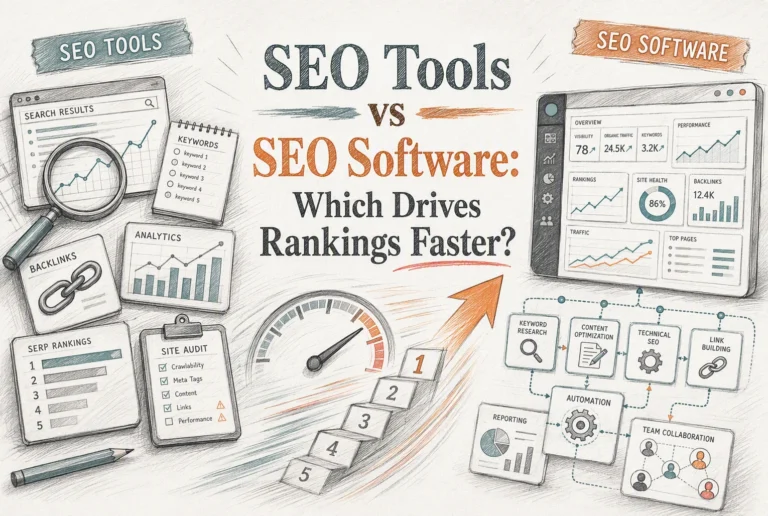
Also Read: SEO Tools vs SEO Software: Which Drives Rankings Faster?
Is Ahrefs the Right Choice for Search Visibility Growth?
Ahrefs fits teams that want one place to watch rankings and fix site issues. Its Rank Tracker covers 190+ locations and tracks SERP features, while Site Audit flags 170+ SEO issues with clear priorities, based on Ahrefs’ own product pages Rank Tracker and Site Audit.
-
Best for teams that need both monitoring and action
- You get rank movement, competitor tracking, and audit tasks in one workflow.
- That helps small teams move faster without juggling extra tools.
-
When a lighter tool may be enough
- If you only need a few keyword checks or a simple health scan, Ahrefs may feel heavy.
- A cheaper, narrower tool can work if your site is small and changes rarely.
Read the parent guide for the full tool context: SEO tools pillar post.
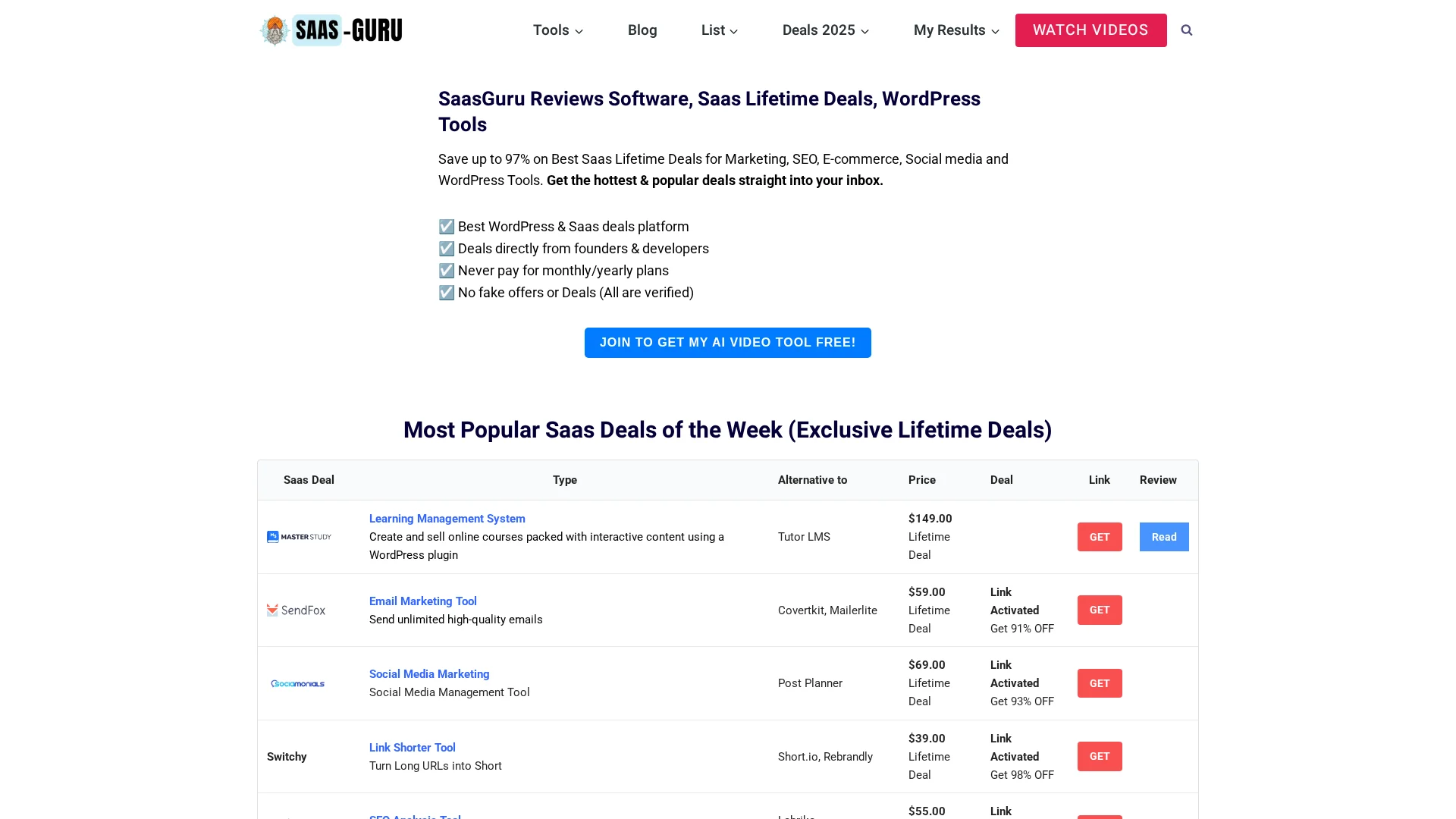
Need better SEO tool value without stacking monthly costs? Check SaasGuru for verified lifetime deals on SEO and marketing tools that help you track rankings, audit sites, and grow smarter.
Frequently Asked Questions
Q1: Which SEO tool is best for small business?
Ahrefs fits small businesses that need solid rank tracking and clear audit priorities. It is best when you can act on the data weekly. If budget is tight, cheaper tools may work, but Ahrefs gives stronger depth.
Q2: Is Ahrefs rank tracking accurate enough for local SEO?
It is useful for trends, movement, and keyword groups. For strict local pack checks, verify results manually too. City-level rank shifts can vary by device, search history, and exact location.
Q3: Can beginners use Ahrefs site audit reports?
Yes, if they focus on high-impact issues first. Start with broken pages, crawl errors, missing titles, slow pages, and index problems. Ignore low-value warnings until the core issues are fixed.
Conclusion
Ahrefs is a strong fit if you need rank tracking plus technical audits in one place. Its 2026 plans cap tracked keywords and crawl credits, so plan fit matters, per Ahrefs pricing and Site Audit limits.