Quick Summary: Growing teams waste time juggling disconnected tools-Zoho One stands out by bundling 45+ apps (CRM, finance, HR) into one centralized platform, cutting admin overhead and avoiding costly migrations later. Microsoft 365 and Google Workspace excel for Office-based or cloud-first teams but lack operational depth, while ClickUp shines for project-heavy workflows. The key is picking one unified system for shared data (like Zoho) unless specialized tools fit specific needs, then testing daily tasks before committing-setup and training costs often exceed software fees.
A campaign brief can bounce from email to chat, spreadsheets, task boards, and a CRM before anyone finds the current version. The problem is not too little productivity software. It is choosing a stack that avoids duplicate data, admin drag, and costly moves later. This guide ranks nine productivity software platforms by coverage, integration, ease of use, security, growth fit, and extension options. Prices vary by plan and region.
Business Software Comparison
| Platform | Best for | Primary strength | Business coverage | Scalability profile |
|---|---|---|---|---|
| Zoho One | Growing teams seeking one connected business platform | Breadth across front-office and back-office functions | Sales, marketing, service, finance, HR, projects, operations | High; modular expansion with centralized administration |
| Microsoft 365 | Teams already using Microsoft office and communication workflows | Mature productivity, collaboration, and security foundation | Documents, email, meetings, storage, communication, administration | High; business and enterprise paths are available |
| Google Workspace | Cloud-first, remote, and collaborative knowledge-work teams | Real-time co-editing and browser-based collaboration | Email, documents, storage, meetings, calendars, chat, automation | High; business and enterprise editions support expansion |
| ClickUp | Marketing, product, agency, and cross-functional delivery teams | Configurable project and work-management workspace | Tasks, projects, documents, chat, goals, reporting, automation | Medium to high; depends on governance and configuration |
What to know about business software
Business software covers more than chat and documents. Productivity software helps teams communicate and create, while work tools keep projects moving.
CRMs track customer relationships. Operating platforms connect sales, finance, people, and daily work.
Choose the system that fits your current habits and can grow with your team.
1. Zoho One
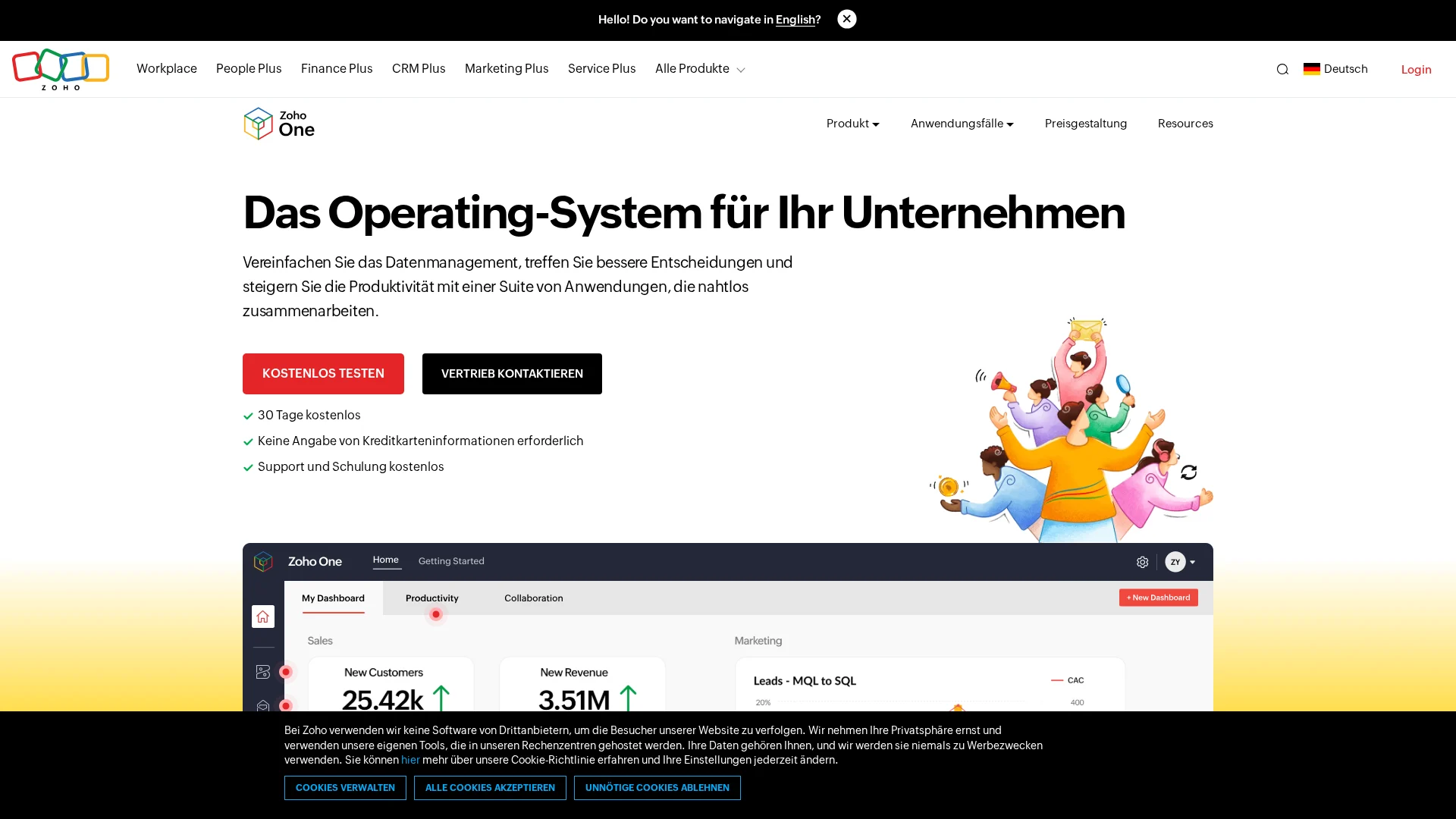
Zoho One is the best overall business operating system for growing teams. It brings core work into one connected suite, from sales to HR.
Highlights
- 45+ apps cover CRM, finance, projects, service, and operations. Zoho lists its connected business functions.
- Central admin, automation, low-code tools, and Marketplace integrations.
Specs - Best for: Teams needing all-in-one business software
- Scalability: High, with modular expansion
Pros - Reduces disconnected apps
Cons - Needs clear data ownership and training
It ranks first for its breadth, integration, and growth fit.
Last updated: August 12, 2026
Also Read: https://saasguru.info/best-ai-video-generator-lifetime-deals/
2. Microsoft 365
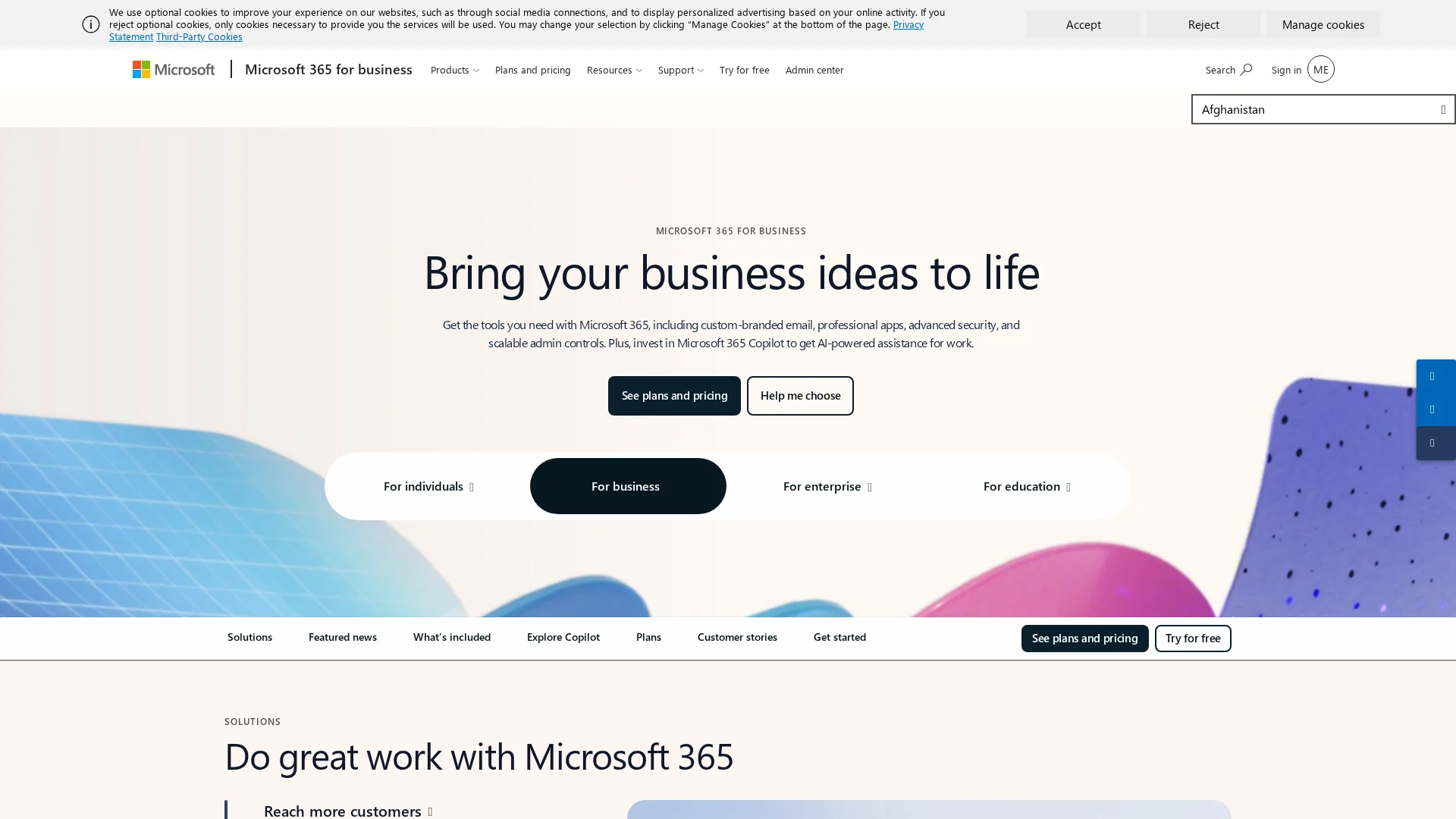
Microsoft 365 is a safe foundation for teams already working in Office. Its business tools cover files, email, meetings, and team chat.
Highlights
- Word, Excel, Outlook, OneDrive, and Teams
- Business security controls
Specs - Best for: Office-based teams
- Scalability: High
Pros - Familiar apps and strong admin controls
Cons - Plans and add-ons can confuse buyers
It ranks here for mature, secure collaboration, but needs extra products for CRM and operations.
Last updated: August 12, 2026
Also Read: https://saasguru.info/appsumo-sumo-day/
3. Google Workspace
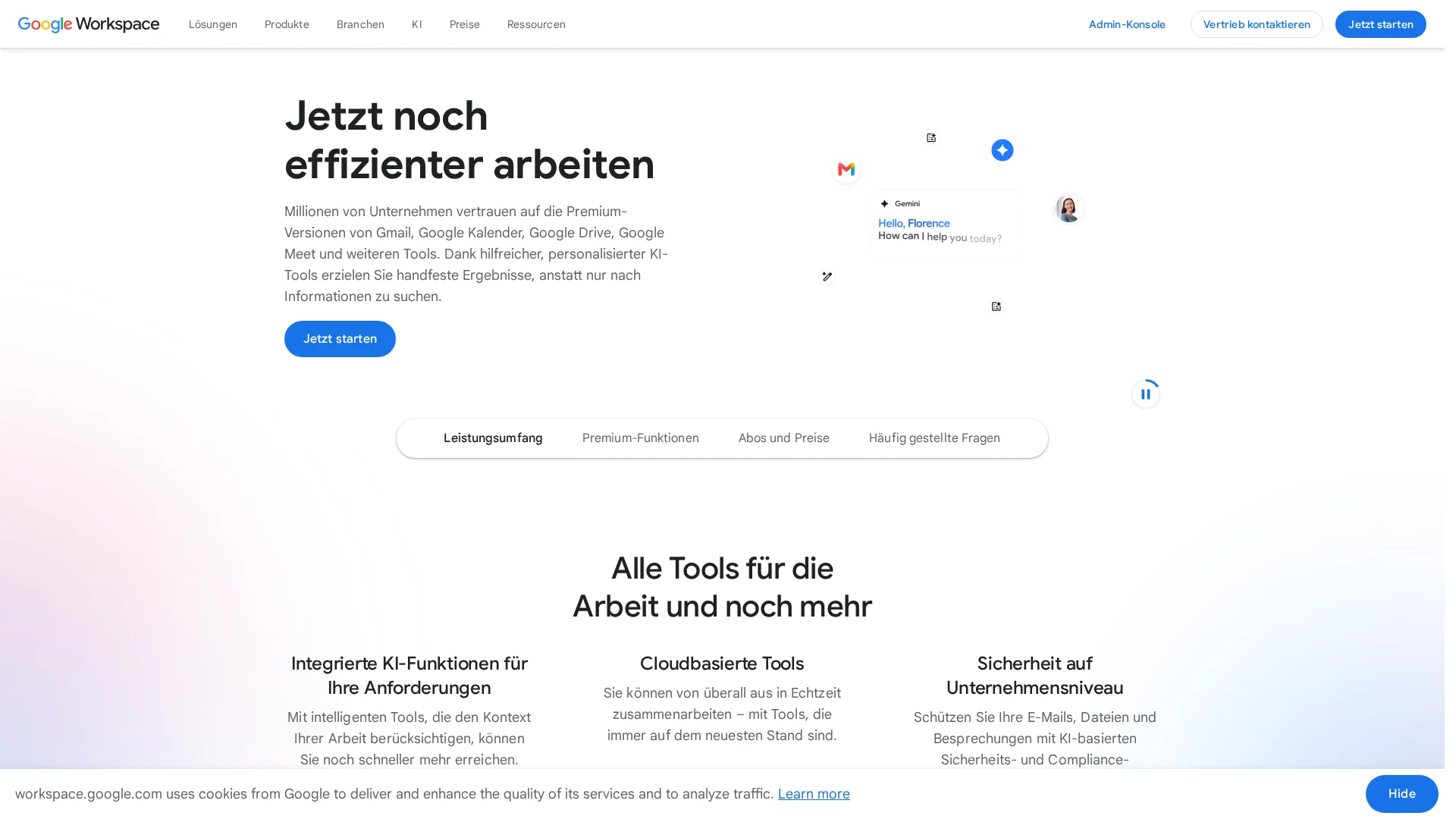
Google Workspace suits distributed teams that create in the browser. Its real-time editing keeps Docs, Sheets, and Slides moving without version clashes.
Highlights
- Gmail, Drive, Meet, Chat, and Gemini
- AppSheet supports no-code apps and automation
Specs - Best for: Cloud-first knowledge-work teams
Pros - Fast co-editing across devices
Cons - Complex desktop-file needs may suit Microsoft 365 better
It ranks here for simple browser collaboration, but not broad operations.
Last updated: August 12, 2026
Also Read: Small Business SaaS vs Business Software: Which Saves More?
4. ClickUp
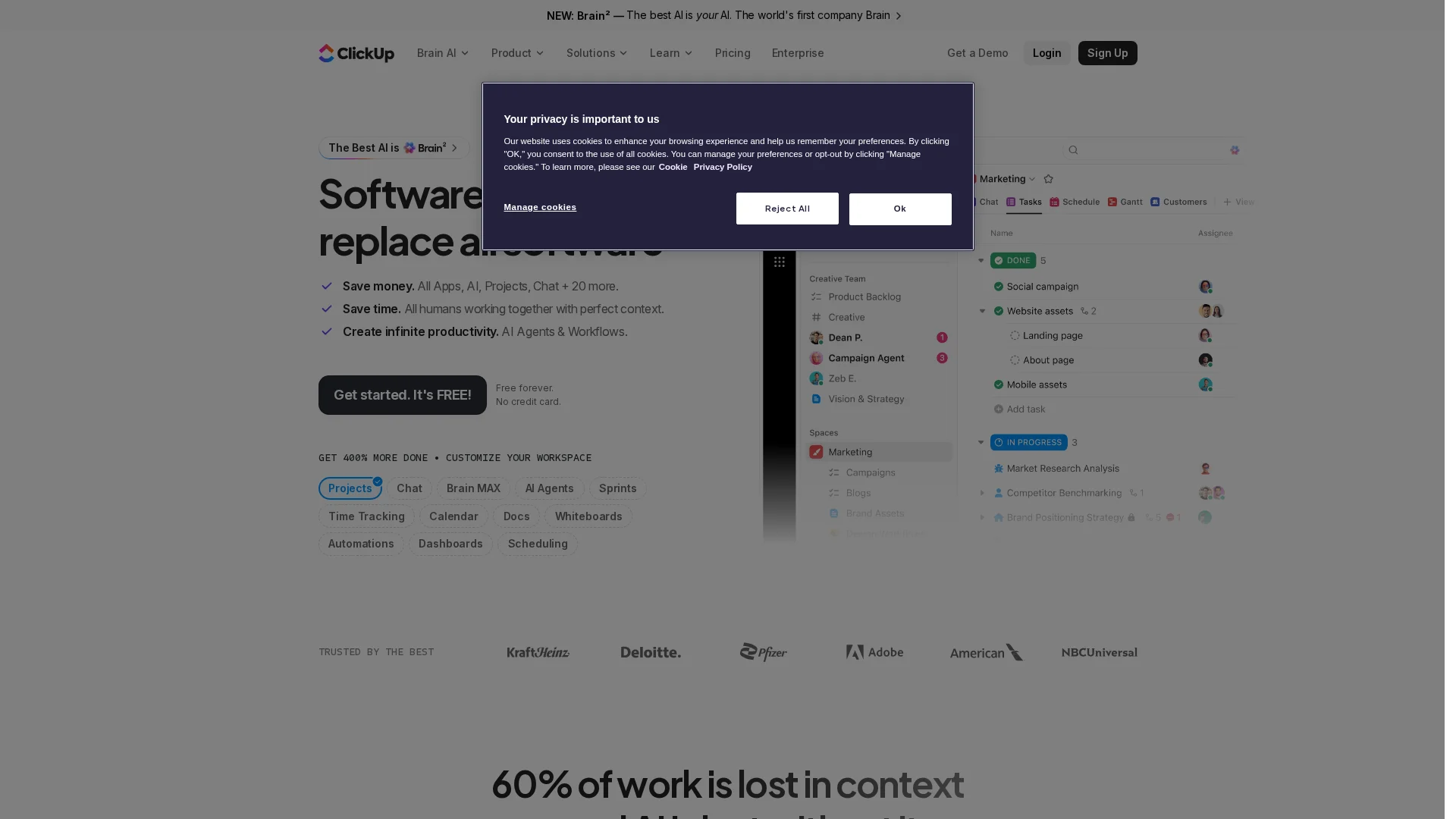
ClickUp is a work-management hub for projects, tasks, and operational context. It brings tasks, docs, chat, goals, dashboards, and AI into one workspace, as its feature guide shows.
Highlights
- Tasks, dependencies, sprints, forms, reporting, and automations.
- Docs, whiteboards, chat, dashboards, and goals.
Specs
- Best for: Marketing, product, agency, and cross-functional teams
- Scalability: Medium to high with clear governance
Pros
- Reduces context switching across planning and delivery.
Cons
- Setup can overwhelm teams without shared rules.
It ranks here for giving teams one configurable operational view of work.
Last updated: August 12, 2026
Honourable Mentions
Four top picks get full reviews below, but these platforms fit teams with specific needs or more complex operations.
- HubSpot Smart CRM – Customer growth, pipelines, automation, marketing, and service.
- Odoo – Modular CRM, accounting, inventory, projects, websites, and manufacturing.
- Wrike – Structured project, resource, reporting, and automation management.
- Basecamp – Simple project communication for clarity-focused teams.
- Oracle Fusion Cloud ERP – Enterprise finance, procurement, projects, supply chain, and operations.
How to choose the right business software
Pick the tool that fixes your biggest daily bottleneck, not the one with the longest feature list.
- Choose a productivity suite for files and team chat, work management for delivery, and a CRM for customer work.
- Pick one platform if shared data matters. Choose specialist tools if one team needs deeper features.
- Plan for 18-24 months: check roles, reports, APIs, mobile access, and exports.
- Test daily tasks before buying: assign work, find files, add users, and report progress.
- Include setup, training, and admin time in your true cost.
SaasGuru is a strong starting point for lean teams that want verified lifetime deals and fewer recurring software costs.
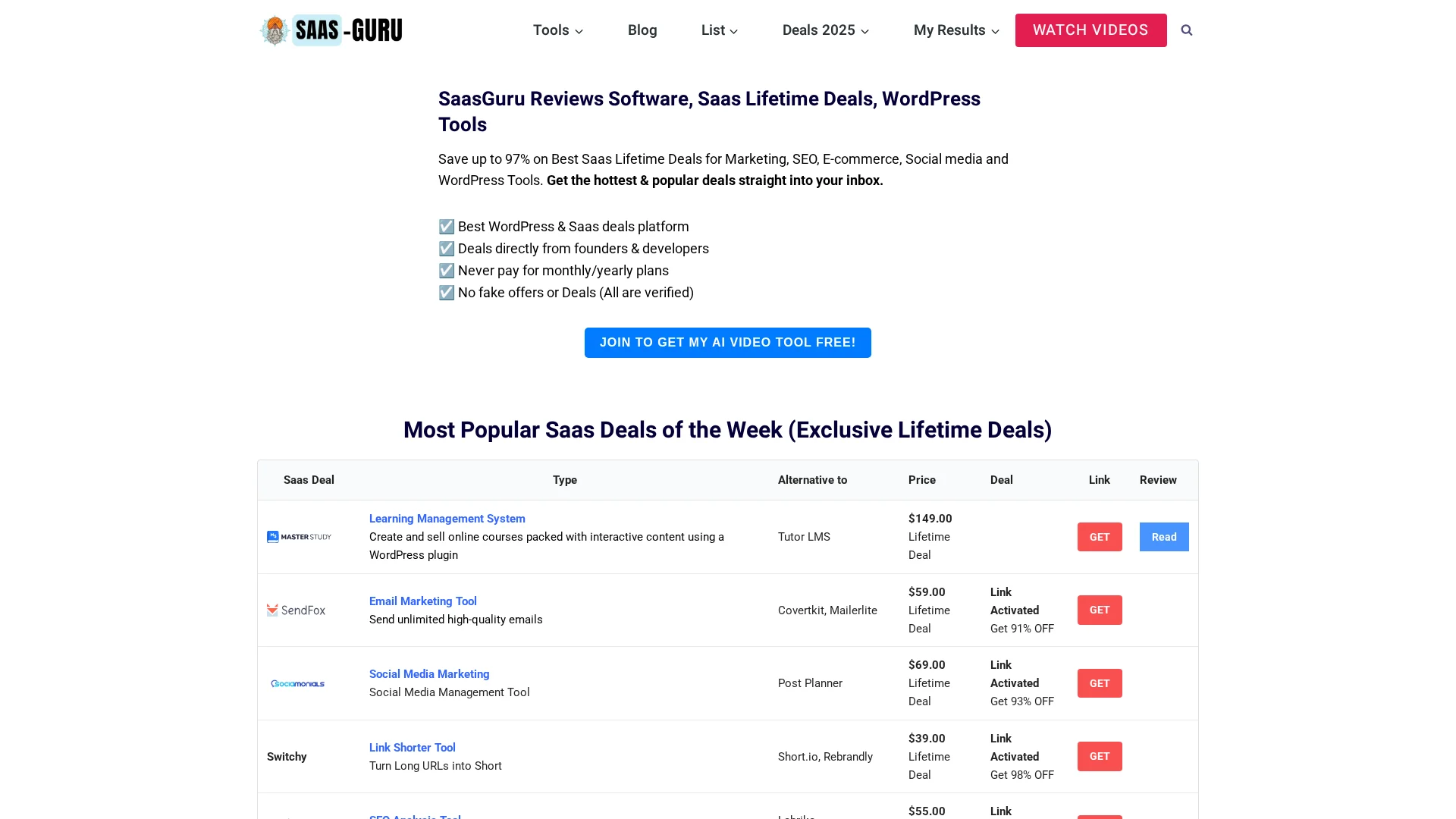
Build your stack without piling on monthly fees. Find verified lifetime deals for growing teams at SaasGuru .
Frequently Asked Questions
Q1: What are the top business software tools?
Top picks cover productivity, project work, customer tracking, finance, and team chat. Choose tools that solve your biggest daily bottleneck first.
Q2: How many tools should a growing team use?
Start with three to five core tools. Too many apps create duplicate work and missed updates.
Q3: Should small teams buy lifetime deals?
Lifetime deals can cut costs for stable needs. Check support, updates, and export options before you commit.