Quick Summary: Small online stores should choose e-commerce software that matches their size, budget, and skill level, focusing on essentials like fast checkout, inventory management, and marketing tools. Avoid hidden costs and platform limitations that can hinder growth, and prioritize user experience to prevent cart abandonment. The right platform today should also be scalable for future expansion, as e-commerce sales continue to grow significantly.
A tiny candle shop can pick the wrong cart software and lose months to checkout drop-offs, bad stock counts, and awkward promos. This guide fixes that problem. It shows what cart software does, how cart software fits your wider e-commerce stack, and which setup makes sense for your size, budget, and skill level. It draws on common store setup mistakes and buying patterns smaller sellers face in 2026.
What E-Commerce Software Actually Does for a Small Store
E-commerce software runs the basics of selling online. It powers your catalog, product pages, checkout, taxes, shipping, order emails, and stock tracking. The U.S. Census Bureau counts e-commerce as orders placed through internet or other online systems, even if payment happens later, so your platform needs to manage the full sales flow, not just payments according to the Census FAQ.
Cart software is one layer in that stack. It handles the basket, checkout, and payment step, while the wider platform covers store design, product data, customer accounts, and reports. That matters because online sales now make up 16.9% of U.S. retail sales in Q1 2026 in the Census report.
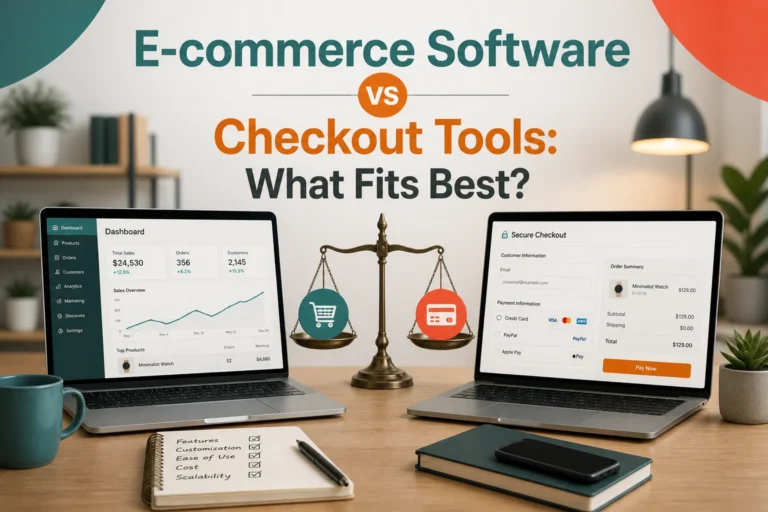
Also Read: E-commerce Software vs Checkout Tools: What Fits Best?
How to Choose the Right Platform for a Smaller Online Store
Start with the shape of your store, not the trendiest platform. A 20-product shop with few variants needs speed and ease. A store with bundles, variants, subscriptions, or wholesale pricing needs stronger catalog rules and app support.
Match the platform to the people who will run it daily. If your team wants low maintenance, hosted software is safer. If you already know WordPress and can handle updates, self-hosted tools may give you more control.

Do not judge cost by the monthly fee alone. Real spend often includes apps, themes, payment fees, and developer help. Some 2026 platform comparisons warn that total cost of ownership matters more than sticker price, especially as stores grow according to Shopify’s comparison guide and Eightx’s 2026 cost breakdown.
Pick features tied to revenue first:
- fast checkout
- mobile-friendly design
- simple product management
- solid shipping and tax setup
- basic email and discount tools
Good software removes friction. If a feature looks impressive but will sit unused, skip it.
- List your must-haves.
- Test your top two options.
- Choose the one your team can manage without stress.
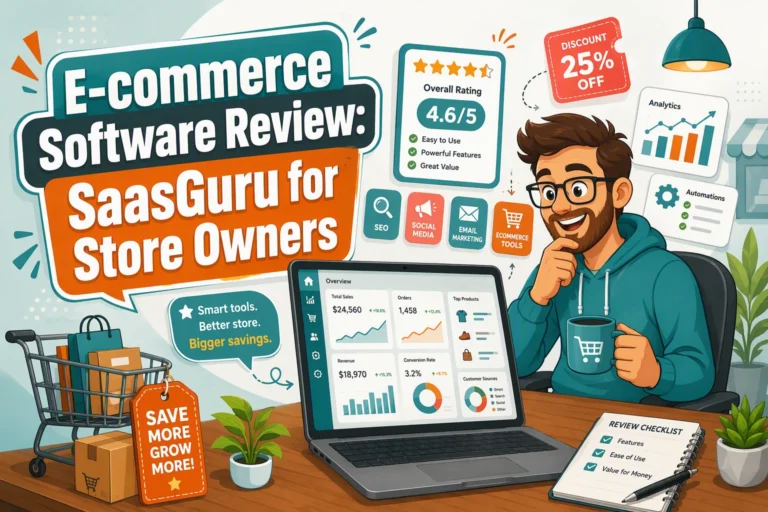
Also Read: E-commerce Software Review: SaasGuru for Store Owners
Which Features Small Stores Should Never Overlook
Checkout and payment essentials
Your checkout must be fast, mobile-friendly, and easy to trust. Keep guest checkout, wallet payments, and fraud checks on your list. Square highlights Apple Pay, Google Pay, abandoned cart emails, and fraud controls in its online store plans, which are all strong basics for small stores Square online store features.
Inventory, orders, and fulfillment
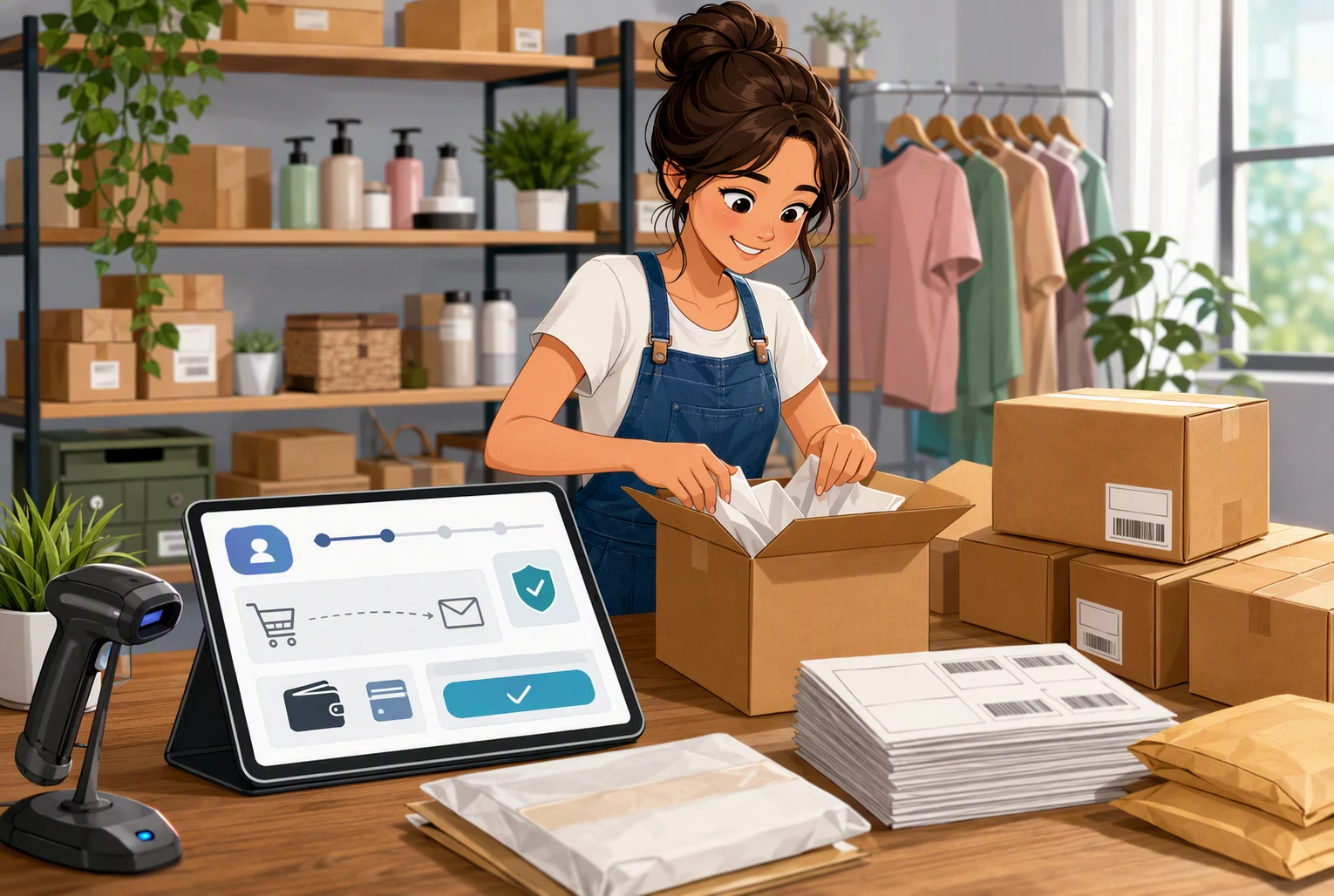
You need stock sync, order tracking, shipping labels, and pickup or delivery options from day one. Shopify includes inventory management, shipping labels, and up to 10 inventory locations on standard plans, which helps small teams avoid overselling and manual fixes Shopify pricing features.
Marketing and growth tools
Built-in email, discount codes, lead capture, and basic reports save time. Prioritize tools that help you recover carts, segment customers, and sell across social channels.
Also Read: Top 8 E-commerce Software Picks for Online Sellers
How to Avoid the Most Common Platform Mistakes
Pick a platform for the next 2 to 3 years, not just this month. Check limits on products, variants, sales channels, and integrations before you commit, or migration gets painful fast.
Hidden costs hurt margins. Add up theme fees, apps, payment charges, and developer help. Extra checkout costs also push buyers away – Stripe reports they are a top abandonment trigger.
Customer experience matters as much as features. Slow, messy checkout and forced account creation lose sales. Baymard found extra costs, trust issues, and long checkout are common reasons shoppers leave.
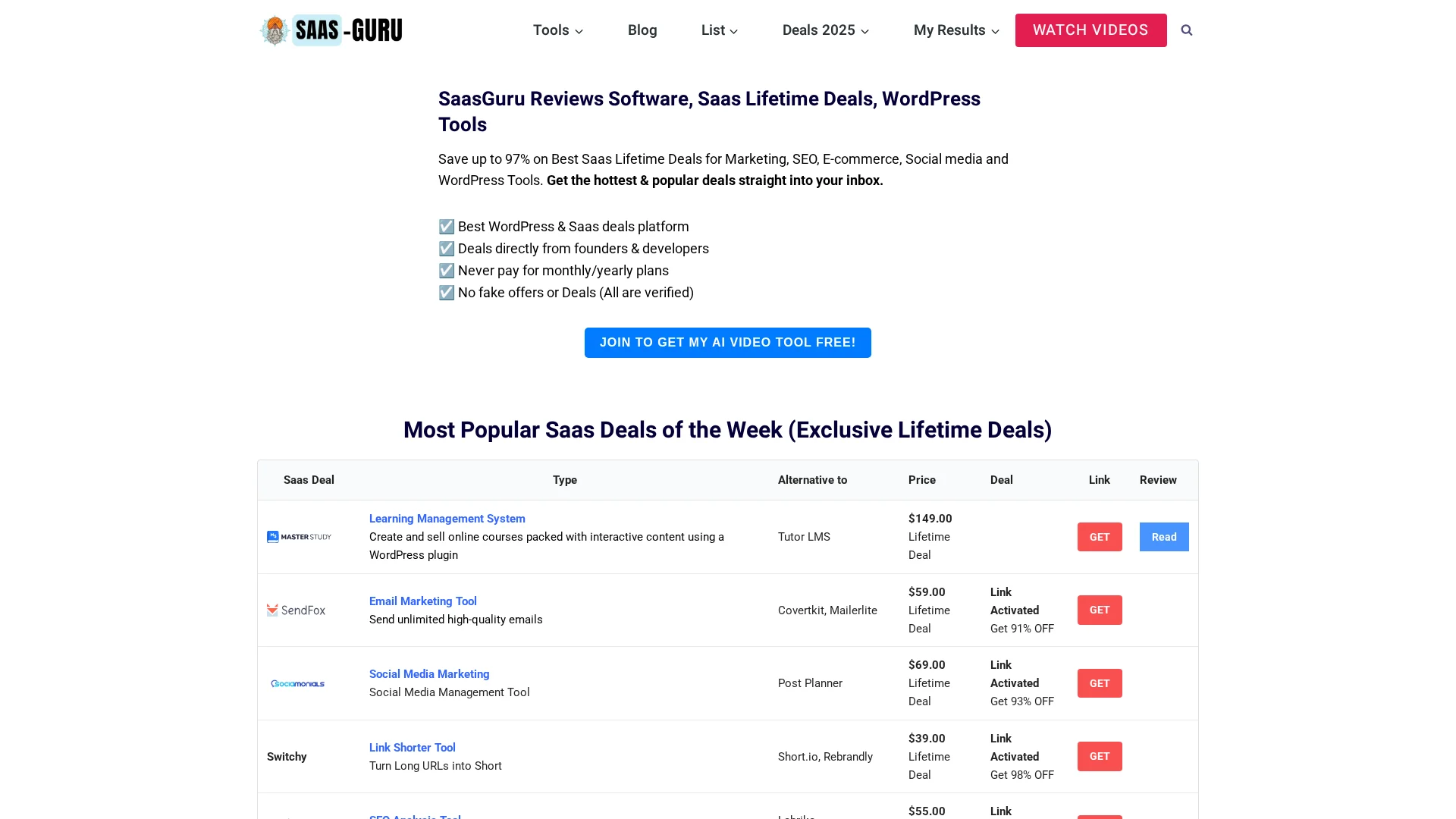
Need affordable e-commerce tools without monthly drain? Check SaasGuru to compare verified lifetime deals and WordPress tools, then pick software that fits your store, budget, and growth plan.
Frequently Asked Questions
Q1: Best e-commerce software for small stores?
Pick the tool that fits your size and skill level. Small catalogs often do best with simple hosted platforms. Larger or custom needs may need more control. Focus on checkout, fees, ease of use, and room to grow.
Q2: Do I need separate cart software?
Not always. Many platforms include cart, checkout, and payment tools. Separate cart software makes sense if your site already runs elsewhere and you only need selling features without moving your whole store.
Q3: How much should a small store budget?
Plan for more than the monthly fee. Add payment charges, apps, themes, email tools, and support. A lean store can start small, but costs rise fast when you add advanced features or higher sales volume.
Conclusion
Small stores need software that fits today and can stretch later. Cart tools handle checkout, taxes, and orders, and U.S. e-commerce still matters at scale, reaching 16.9% of total retail sales in Q1 2026, per the U.S. Census Bureau.